
A page for every offer. Booking right after the form.
Every ad gets its own page, designed for your clinic. A short form, then the patient picks a service and a time on your real calendar.
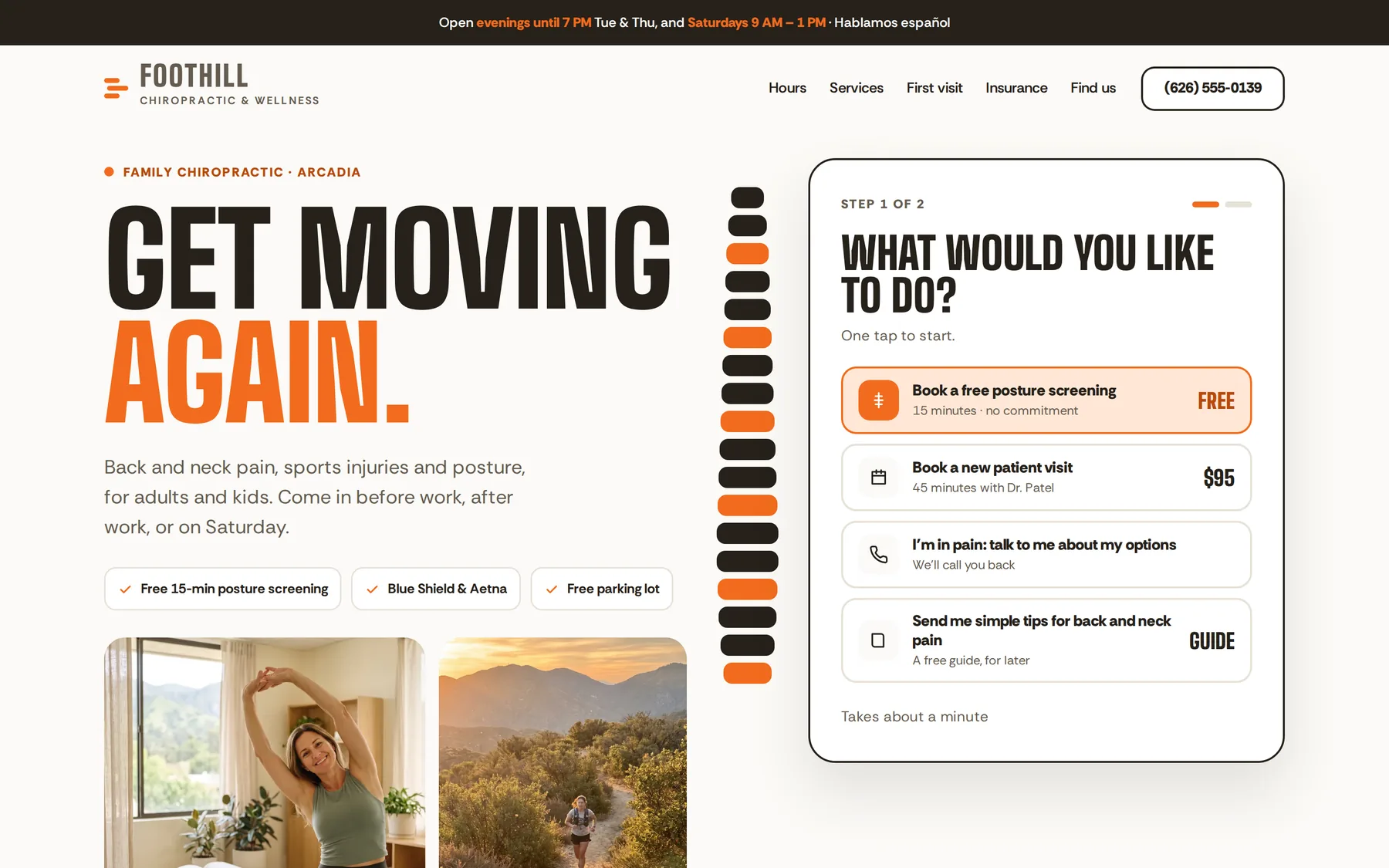
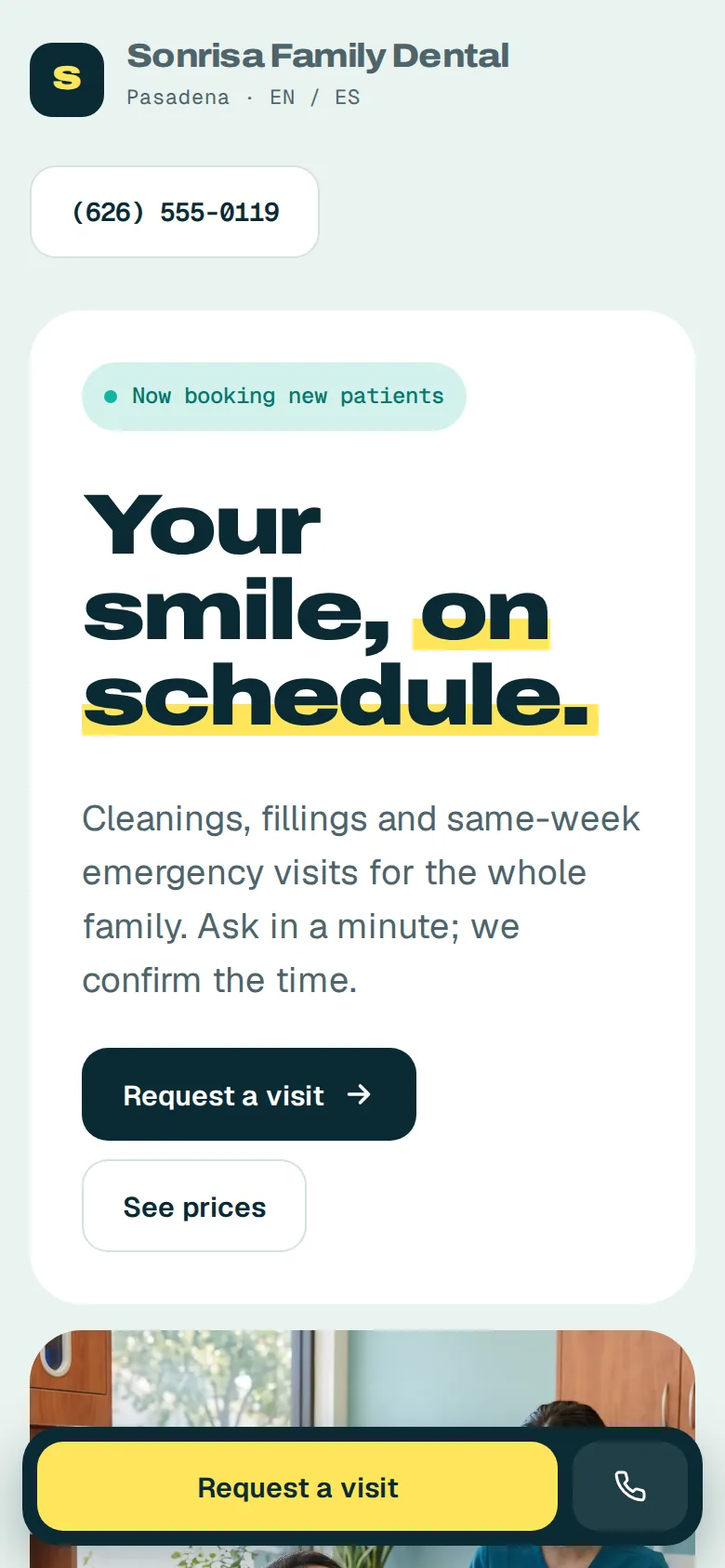
Every clinic gets its own look.
No templates with your logo pasted on. Each page is designed around your clinic, your patients and the offer in the ad.
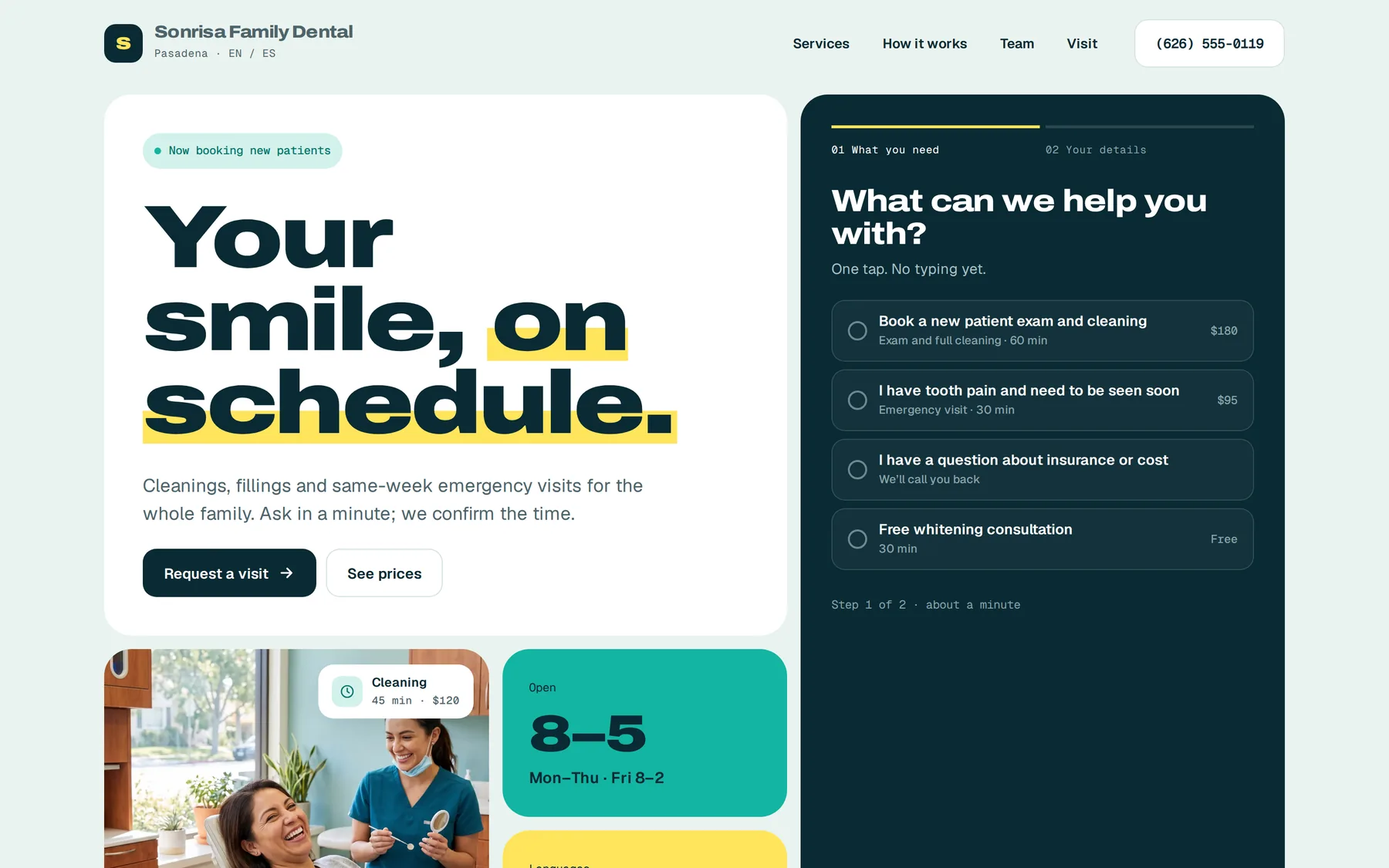
Five quick steps from interested to booked.
Patients book while they still want to. No phone tag, no waiting for a call back.
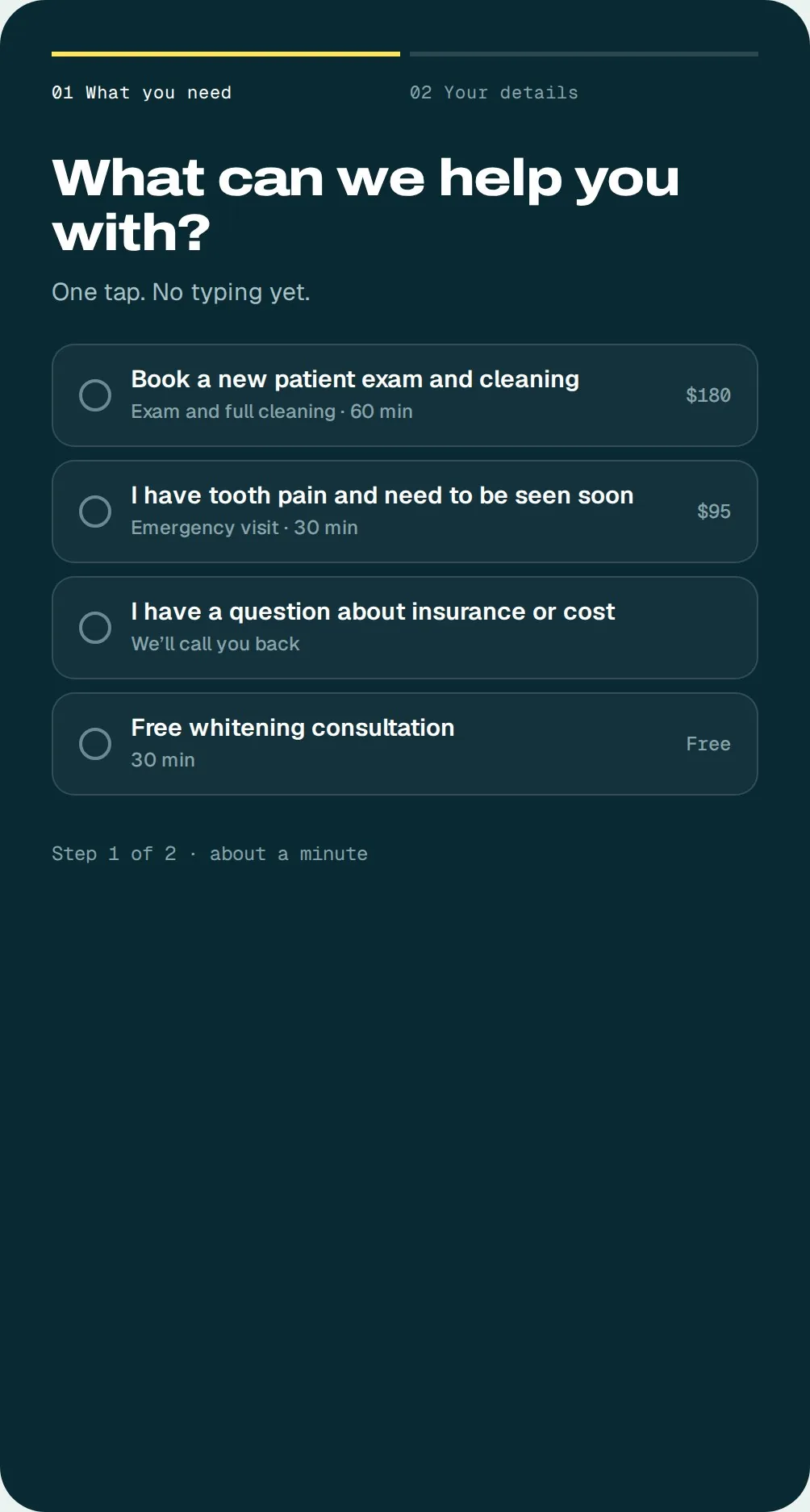
English and Spanish
Patients choose their language and the whole page, form and booking follow.
Works on any phone
Built for the phone first, because that is where people see your ad.
Lands in the CRM, tagged
Every request arrives in your CRM with the ad, the offer and the service it came from.
Ready for more booked patients?
Book a call. We will look at your clinic, your offers and where patients get lost, then show you how we would run it.
What happens next
- 1A short call about your clinic and your offers
- 2We set up ads, pages, booking and the system
- 3We launch and run it with you every month
You only take what you need, and pricing follows what you choose. We talk it through on the call.