
Booked patients actually show up.
Reminders go out on booking, two days before, the day before and an hour before, by email and text. Written for your clinic, sent at the right hours.
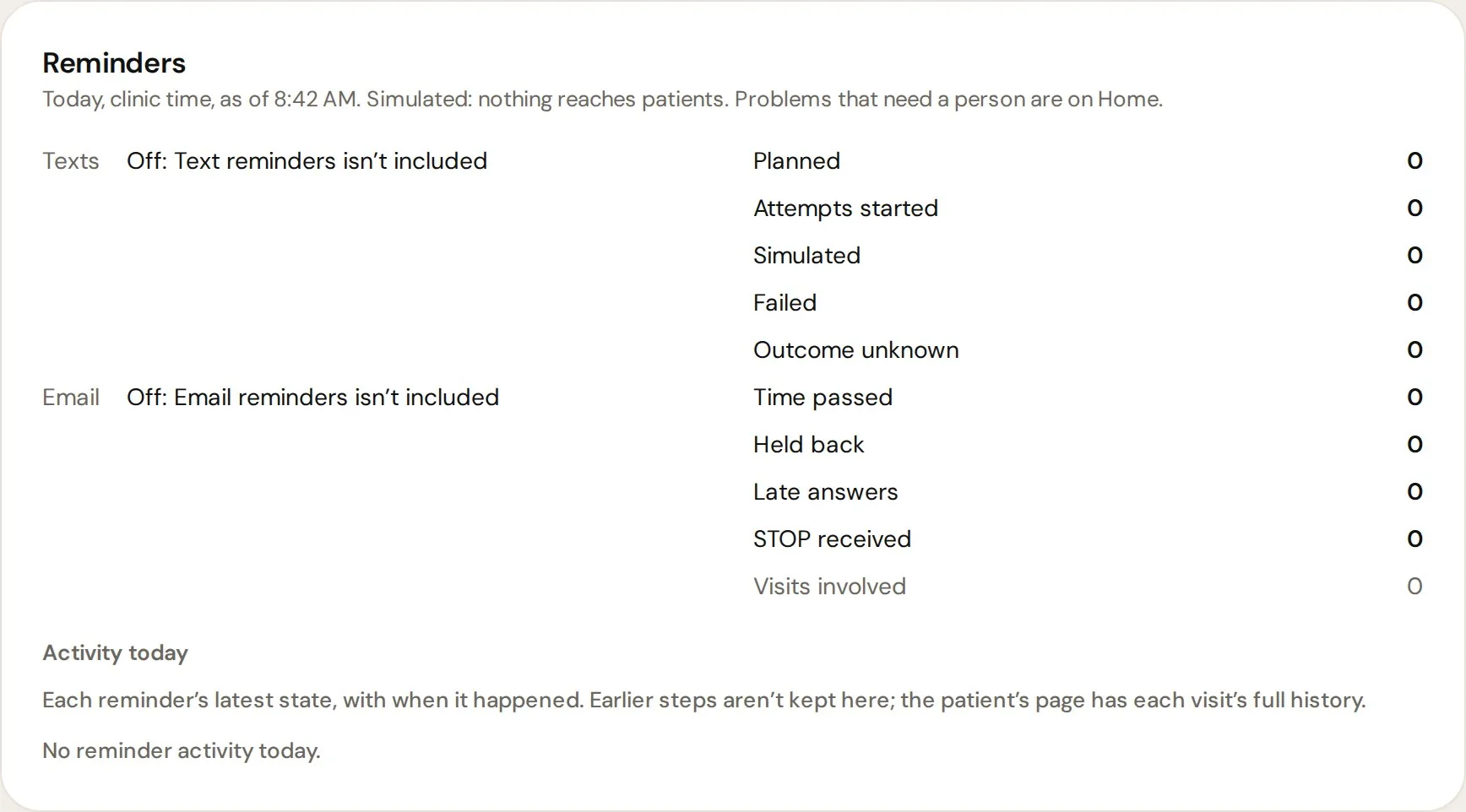
Four nudges between booking and the visit.
Pick a reminder to see what the patient gets.
A confirmation the moment they book.
The patient gets the date, time, address and what to bring, so the visit feels real right away.
Polite, on time, and on the record.
Quiet hours
Nothing goes out late at night or early in the morning. Messages wait until a polite hour.
Opt-outs handled
If a patient opts out, reminders stop on that channel. No one has to remember.
Attendance recorded
Showed up, cancelled or missed, it is saved on the patient so you can follow up.
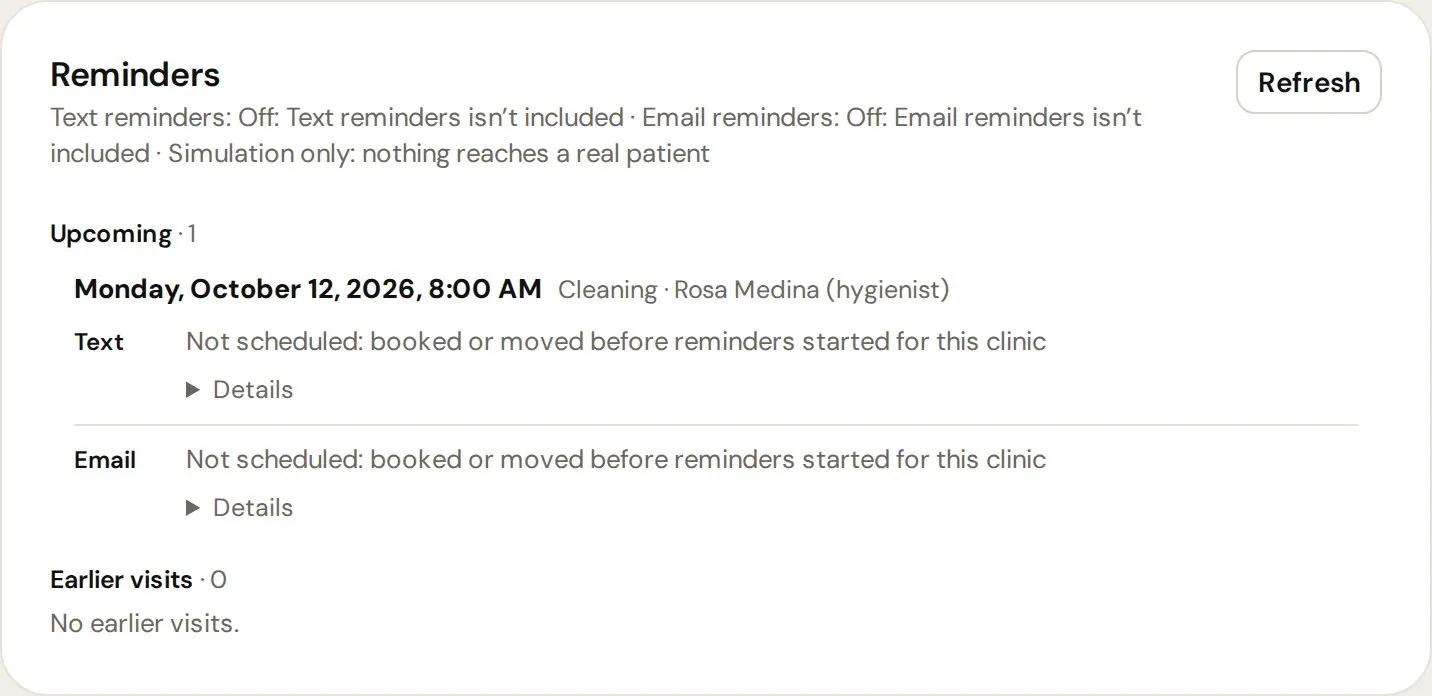
Every reminder, on the patient.
See what was sent and when, right on the patient page. Your front desk never has to guess.
We register your texting number with the carriers (A2P 10DLC) for you before text reminders go out. We set your date on the call.
Ready for more booked patients?
Book a call. We will look at your clinic, your offers and where patients get lost, then show you how we would run it.
What happens next
- 1A short call about your clinic and your offers
- 2We set up ads, pages, booking and the system
- 3We launch and run it with you every month
You only take what you need, and pricing follows what you choose. We talk it through on the call.